Skip to content
Best IPTV Player Subtitle Translation for Foreign Channels
The best IPTV player subtitle translation feature does one simple thing that changes how you watch: it takes a channel, film or series in a language you don’t speak and puts readable subtitles in the language you do. If you’ve ever found a great foreign channel in your playlist and then stared at captions you can’t read, this is the gap you’re trying to close, and most players simply don’t fill it.
I’ve gone looking for this on more than one setup, expecting it to be a checkbox in the settings somewhere. It usually isn’t. Below is the honest picture: why translation is rare, what actually separates a player that shows subtitles from one that translates them, a side-by-side of the popular apps, and where mtivi lands, plus the limits nobody likes to mention.
The short answer
Almost every mainstream IPTV player can show the subtitles a stream already carries, and let you pick a track and style it. Very few can translate those subtitles into another language, and fewer still can do it on live TV rather than only on movies and series. If translating foreign channels into your language is the feature you actually need, your realistic shortlist is short, and mtivi is on it because subtitle translation into 55+ languages is its flagship, not an afterthought.
Why most IPTV players can’t translate subtitles
Showing a subtitle and translating one are completely different jobs. To display a caption, the player just renders text the stream handed it. To translate it, the player needs to read that text, convert it into your language, and paint it back on screen quickly enough that it still matches what’s happening, all without a keyboard or a second app. That’s a lot of moving parts, so most players never attempt it and stop at track selection and styling.
There’s a second, harder problem underneath. Translation needs something to translate. When a channel or file ships no subtitles at all, a player that only translates existing captions has nothing to work with. And live TV is the toughest case of all, because there’s no finished file to lean on, everything has to keep pace with the broadcast. That’s why so many machine translation features you see elsewhere quietly apply only to on-demand subtitles, and go silent the moment you switch to a live foreign channel.
What actually matters when you compare players
Once you know the two hard problems, the comparison gets simple. Four questions separate a genuine translation player from one that just displays captions:
Does it translate at all, or only display? Track selection and font styling are nice, but they don’t help if you can’t read the language. Does it cover live TV, or only movies and series? This is the big divide. Plenty of tools translate a downloaded file; almost none keep up with a live foreign channel. What happens when there are no subtitles to begin with? A transl-only feature is dead in the water on a channel that ships nothing. And how fast and how many languages? A translation that lands several seconds late or supports a handful of languages isn’t much use on a fast-moving broadcast.
Hold those four questions in mind and the marketing sorts itself out quickly. A lot of “multi-language” claims turn out to mean “you can choose which included subtitle track to show,” which is not the same as translating one into your language.
How the popular players compare on subtitle translation
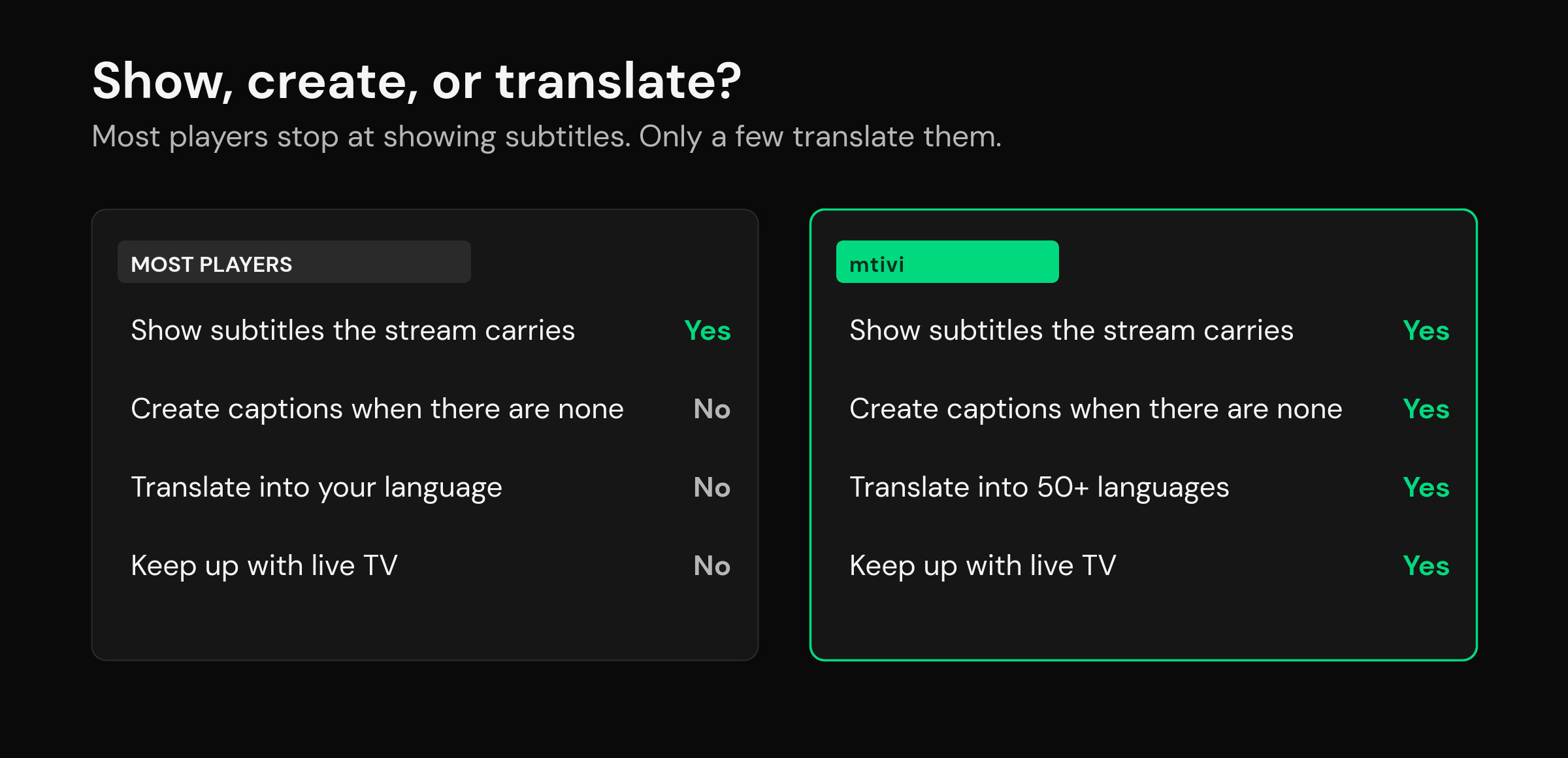
Comparing the players people ask about most, on the things that actually decide whether you can watch a foreign channel in your language:
| Player | Shows subtitles the stream carries | Creates subtitles when there are none | Translates into your language | Works on live TV |
|---|---|---|---|---|
| TiviMate | Yes, track select and styling | No | No | — |
| IPTV Smarters | Yes, embedded and external | No | No | — |
| OTT Navigator | Yes, track select and styling | No | No | — |
| IBO Player Pro | Basic subtitle display | No | No | — |
| mtivi | Yes, track select and styling | Yes | Yes, 55+ languages | Yes |
The pattern is hard to miss. The well-known players are genuinely good at showing subtitles, and if your foreign channel already carries a track in your language, any of them will do. The moment you need that caption converted into your language, or there’s no caption at all, the list collapses to the handful of players built specifically for it. For a deeper how-to on the feature itself, see our guide to IPTV subtitle translation.
Where mtivi fits
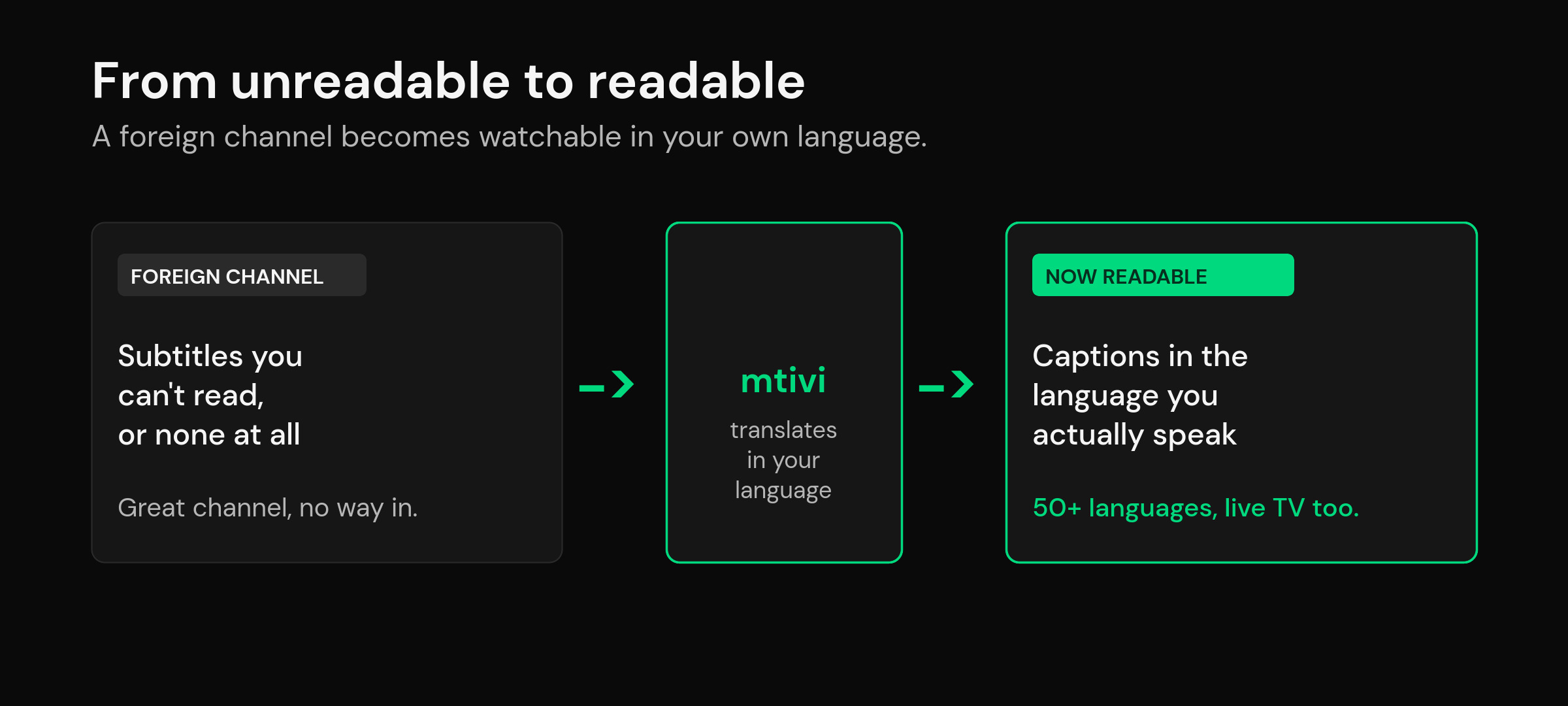
mtivi treats subtitles as a first-class feature rather than a settings-menu leftover, which is why translation into 55+ languages is the thing it leads with. In practice that covers the two situations that break other players. If your channel carries subtitles in a language you can’t read, mtivi translates them into yours. If it carries no subtitles at all, mtivi can still give you readable captions and translate those too, on live TV as well as movies and series. That second part is the rare one: converting live foreign channels into your language is something very few players even attempt.
Speed is the part that decides whether a feature like this is usable or just a demo. On a live broadcast, subtitles that arrive several seconds late are worse than none. mtivi’s are near instant, landing on screen in about two seconds, which is fast enough to keep up with live TV rather than trailing behind it. You don’t configure any of this per channel; you pick your language and watch. Subtitle translation sits in the Pro tier, and it pairs naturally with the rest of the flagship set, from readable closed captions on any channel to keeping your setup on every screen through cloud sync across all your devices.
None of this changes what mtivi is. If you’re new to how these apps work, it’s worth a minute on what an IPTV player actually is: it plays the playlist or source you already have, and mtivi adds the translation layer on top of whatever you bring.
The honest limits of subtitle translation
No player earns your trust by overselling, so here’s the fine print. Translation is machine translation, which means it’s fast and gets the meaning across, but it won’t match a human translator on wordplay, slang or heavy dialect. On very fast scenes, some lines will be tighter than others. And translation still needs something it can actually work from, so a channel that’s silent or badly encoded is a hard case for any tool, mtivi included.
Cost is the other honest bit. The players that do real translation put it in a paid tier, because it’s genuinely more work than showing a caption. mtivi is free to start and free to use as a full player, with subtitle translation part of Pro. That’s the trade: you’re paying for the one feature the free players can’t do at all, not for the basics. If you only ever watch channels in your own language, you don’t need any of this, and a simpler free player is fine.
Which one should you pick?
Match the player to what you’re actually trying to watch. If every channel you care about is already in your language, pick on interface and stability, and any of the well-known players will serve you; you might weigh up how TiviMate, OTT Navigator and IPTV Smarters compare on the basics. If you regularly watch foreign channels and want them in your language, translation is the deciding feature, and that’s a much shorter list. And if those foreign channels are live, not just films and series, you’re down to players built for that specific job, where mtivi’s live-TV coverage is the reason it makes the cut. Choose for the hardest thing you watch, not the easiest, and you won’t have to switch apps six months from now.
Frequently asked questions
Which IPTV player can translate subtitles into my language?
Very few can. Most mainstream players only display the subtitle track a stream already carries. mtivi is built around subtitle translation into 55+ languages, covering movies, series and live TV, which is why it tops the shortlist when translating foreign channels is the feature you actually need.
Do IPTV players translate subtitles on live TV or only on movies and series?
Most translation features that exist at all apply only to on-demand movies and series, because a finished file is far easier to work with than a live broadcast. Translating live foreign channels into your language is the rare case, and it’s one of the reasons mtivi stands out, since it covers live TV as well as on-demand.
What languages does mtivi’s subtitle translation support?
Over 50 languages. You pick the language you want to read in, and mtivi handles the rest, whether the channel already carries subtitles in another language or none at all.
Is subtitle translation free?
mtivi is free to start and free to use as a full player. Subtitle translation sits in the Pro tier, because real translation is more work than simply showing a caption. If you only watch channels in your own language, you won’t need it and the free player is enough.
What if my channel has no subtitles at all?
That’s the case that breaks translate-only tools, since they need existing text to work from. mtivi can still give you readable captions when a channel ships none, and translate those into your language, on live TV as well as movies and series.
Are the translated subtitles accurate?
They’re machine translations, so they’re fast and get the meaning across well, but they won’t match a human translator on slang, wordplay or heavy dialect. For following a foreign channel you couldn’t otherwise understand, they’re more than good enough; for a nuanced script, expect the occasional loose line.
Do translated subtitles lag behind live TV?
On mtivi they’re near instant, appearing on screen in about two seconds, which is fast enough to keep up with a live broadcast rather than trailing it. Some tools translate only downloaded files and can’t keep pace with live at all, which is worth checking before you rely on a feature.
Can TiviMate or IPTV Smarters translate subtitles?
They can show and style the subtitle tracks a stream carries, and switch between embedded or external tracks, but they don’t translate those subtitles into another language. If a channel only carries captions in a language you can’t read, track selection alone won’t help.
Does subtitle translation work on any device?
mtivi runs on Android phones and tablets, Android TV, Google TV, Amazon Fire TV and Firestick, Nvidia Shield and Android boxes today, with more platforms coming, and subtitle translation is part of the app on the devices where it’s available. Your language choice syncs with the rest of your setup across signed-in devices.
Will translating subtitles use a lot of extra data or slow playback?
No. Translation runs alongside playback without you managing anything per channel, and it’s designed to keep up with live TV rather than pausing or buffering the video. You pick your language once and keep watching.
Does mtivi provide the foreign channels I want to watch?
No. mtivi is a media player. We don’t provide, sell, or include any channels, movies, series, or playlists. You add your own source, and mtivi plays it, translating the subtitles into your language so you can actually follow along.