Skip to content
Best IPTV Player for Large Playlists (10,000+ Channels)
The best IPTV player for large playlists is not the one with the longest feature list — it is the one that still feels quick when your line hands it 40,000 or 80,000 entries instead of a tidy few hundred. That is a completely different engineering problem, and it is why an app that everyone raves about on a 3,000-channel list can turn into a slideshow the moment you point it at a full catalog with movies and series attached.
This is a ranking of the players people actually run on TV boxes, judged on one axis: what happens at scale. Below you will find the short comparison, the four things that genuinely decide speed, an honest look at each app, and a ten-minute test you can run against your own playlist before you commit.
The short answer
If your list is under about 5,000 entries, almost any modern player copes and you should pick on features instead. Past roughly 20,000, the differences become obvious within seconds of opening the app. Here is how the main options behave once the list gets big.
| Player | Best for | At 20,000+ entries | Cost model |
|---|---|---|---|
| mtivi | Huge catalogs on any box, cheap ones included | Opens and searches without a visible wait | Free tier, optional Pro/Max |
| TiviMate | A polished live-TV guide on a strong box | Fine once the guide is cached; the first load is the slow part | Free tier, paid premium |
| OTT Navigator | People who want to filter and reshape the list | Holds up reasonably; heavy on settings and memory | Free tier, paid tiers |
| IPTV Smarters Pro | Beginners across mixed devices | Noticeably slower to open and to search | Free |
| IBO Player Pro | Managing the playlist from a web page | Light to start, but the loading screen gets long | One-off activation |
Two honest caveats before you read the rest. First, “big” is not one thing: 30,000 live channels behave differently from 8,000 channels plus 25,000 films and episodes, because on-demand entries carry posters and descriptions that all have to be fetched and drawn. Second, your box matters as much as the app. A 1 GB stick will struggle with a large list in every player, and no amount of app-switching fixes that.
What actually decides speed at scale
Four things separate a player that shrugs at a huge list from one that stalls. If you understand them, the rankings below stop looking like opinion.
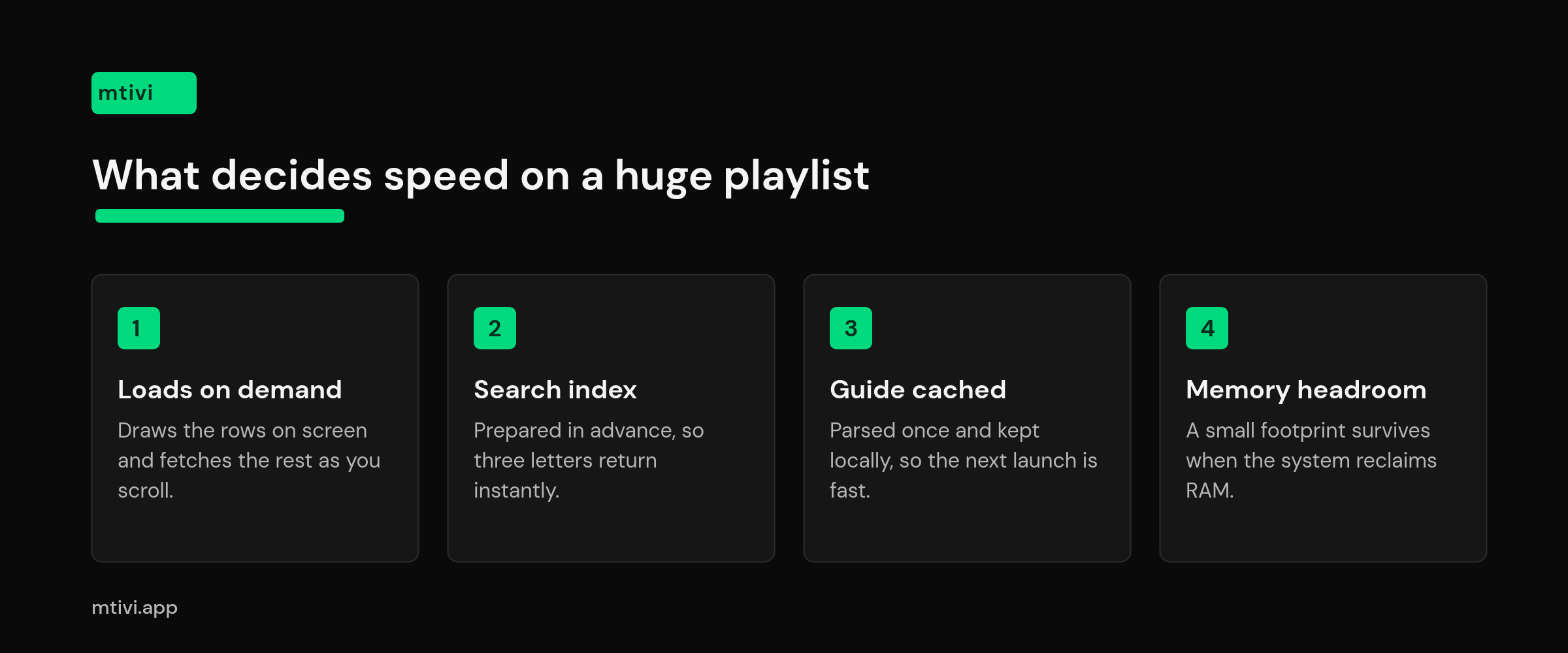
1. How much it reads before showing you anything. An M3U file is a flat text list, so a player that insists on reading every line before it draws a single row will make you wait in proportion to the file size. A player that loads what is on screen and fetches the rest as you scroll — the same lazy loading idea the web has used for years — feels instant regardless of length. This is the single biggest difference between apps.
2. Whether it builds a search index. Typing three letters into a 60,000-entry list is either instant or it is three seconds of stutter per keystroke, and which one you get depends on whether the app prepared an index in advance or is scanning the whole list on every keypress.
3. What it does with the guide. Guide data arrives as XMLTV, and for a big lineup that file can run to tens of megabytes covering a week. Players that parse it once and keep a local copy open the grid instantly afterwards. Players that re-parse on every launch make you watch a progress bar every single time.
4. How much memory is left. Android reclaims memory from background apps under pressure, and a player holding a giant list in memory is a prime target — which is what people are describing when they say the app “restarts itself” or “forgets where I was”. Google’s own memory overview explains the mechanism. On a 2 GB box, an app that keeps its footprint small is worth more than any feature.
The best IPTV players for large playlists in 2026
1. mtivi — best overall for very large lists
mtivi is built for people whose line hands them everything at once. A list in the tens of thousands opens without the long parse most apps make you sit through, search returns as you type rather than after you type, and scrolling a group with thousands of entries stays smooth instead of jumping. Crucially, that holds on modest hardware — the cheap 2 GB boxes and sticks most people actually own, not just a flagship.
Beyond raw speed, the things that make a big list usable are all here: group and channel reordering, hiding the dead entries that bloat every large catalog, merging several playlists into one clean lineup, and a guide that fills in without a stall. Recording, multi-view, 4K HDR playback, profiles and cloud sync are included rather than sold as separate add-ons, and the free tier is genuinely usable so you can test your own playlist before paying anything.
Watch out for: mtivi runs on Android phones, tablets, Android TV, Google TV, Fire TV, Nvidia Shield and Android boxes today. Apple, Windows and smart-TV apps are on the roadmap, so if your only screen is an iPhone or a TV’s built-in system, you are waiting.
2. TiviMate — best guide experience, once it settles
TiviMate remains the reference for a clean live-TV grid, and on a capable box it handles a large lineup well because it caches guide data locally after the first fetch. The pain is concentrated in that first run and in playlist refreshes, where a very large catalog can leave you staring at a loading indicator for a while. It is also strongly live-TV shaped: if half your list is films and series, you are using an app optimized for the other half.
Watch out for: the free version is deliberately limited, and the features most large-list users want sit behind the paid tier. There is also a per-account device limit, which matters if you have several TVs — we covered that in our guide to the TiviMate device limit.
3. OTT Navigator — best for reshaping a messy catalog
If your problem is not just size but chaos — duplicate entries, a hundred groups, inconsistent naming — OTT Navigator gives you more tools to attack it than anything else here, including pattern-based filtering and aggressive grouping. That flexibility is the appeal and the cost: the settings tree is deep, and the same features that let you tame a huge list will happily let you misconfigure it.
Watch out for: it rewards tinkering. If you want something that is simply fast out of the box, this is not the shortest path.
4. IPTV Smarters Pro — fine small, strained large
Smarters is the app most providers bundle, so a lot of people meet it first. It is free, it covers a wide range of devices, and on a modest list it is perfectly serviceable. At scale it is the one people complain about most: longer opens, slower search, and a habit of reloading when you switch sections. If it is already stalling for you, our Smarters playback troubleshooting guide covers the fixes worth trying first.
5. IBO Player Pro — light, until the catalog grows
IBO’s selling point is that you manage the playlist from a web page rather than typing a long URL with a remote, and its client is lightweight enough to run on TVs that struggle with heavier apps. Large catalogs stretch that lightness thin, and the loading screen is where it shows — a common enough complaint that we wrote a dedicated fix guide for it.
Test any player against your own playlist in ten minutes
Reviews generalise; your playlist is specific. Run the same short test on any app you are considering and you will know within ten minutes whether it can handle your list.
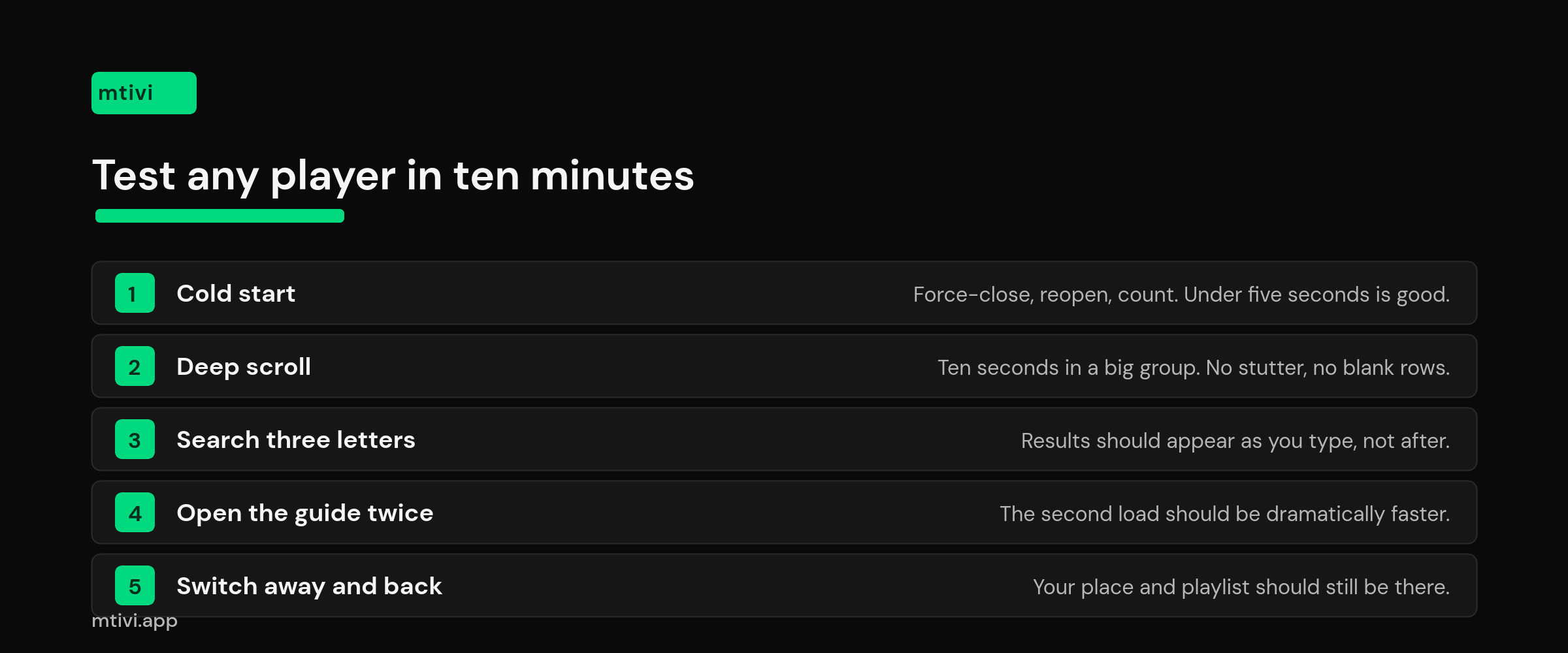
- Time the cold start. Force-close the app, open it, and count until the channel list is scrollable. Under five seconds is good. Over twenty and you will resent it daily.
- Scroll deep, not far. Jump to a group with thousands of entries and scroll hard for ten seconds. Smooth movement means the app is loading rows on demand; stutter and blank rows mean it is fetching in bulk.
- Search three letters. Type a short fragment and watch whether results appear as you type. Lag here is the clearest sign that nothing was indexed in advance.
- Open the guide twice. Load the grid, close the app completely, reopen and load it again. If the second load is not dramatically faster, the guide is not being cached and you will pay that cost every session.
- Switch away and back. Leave the app, open something heavy, then return. If your position and playlist survive, memory use is under control. If it starts from scratch, it was evicted.
Run all five on the actual box you watch on. A test on a flagship phone tells you almost nothing about how the same app behaves on a stick behind the TV.
When the playlist is the problem, not the player
Sometimes no app will save you, because the list itself is the bottleneck. Three cases come up repeatedly.
Many lines publish a live-only variant alongside the full catalog. If you never watch on-demand, using that variant can cut the entry count by more than half and every player gets faster instantly. Second, a lot of large lists are padded with dead or duplicated entries; trimming them is worth more than switching apps, and our guide to hiding dead channels and reordering groups walks through it. Third, the delivery format changes what the app has to do — a plain M3U file is one big download, while an Xtream Codes connection lets a player request categories on demand, which usually feels quicker on a huge catalog.
If your current app is simply slow and you would rather fix it than replace it, start with our step-by-step guide to loading a large playlist without lag — it covers the settings that matter before you change anything else.
So which one should you pick?
Pick mtivi if your list is genuinely large, your box is ordinary, and you want speed plus recording, multi-view and subtitle features in one app rather than four. Pick TiviMate if you watch almost entirely live TV on a strong box and the guide layout matters more to you than anything else. Pick OTT Navigator if reshaping a messy catalog is the actual job. Keep Smarters or IBO if your list is moderate and they already work — there is no prize for switching.
Whichever you choose, test it on your own playlist and your own hardware. Ten minutes with the checklist above beats a month of reading rankings, including this one. If you are choosing for a specific device, our picks for Firestick and for Android TV and Google TV go deeper on the hardware side.
Frequently asked questions
What counts as a large IPTV playlist?
Roughly anything past 10,000 entries starts to expose differences between apps, and past 20,000 the gap is obvious. Full catalogs from a single line commonly run to 40,000 or 80,000 entries once films and series are included. Under about 5,000, playlist size is not what is slowing you down.
Which IPTV player handles 10,000 channels without lag?
Any player that loads rows on demand rather than parsing the whole file first. mtivi is built that way and stays responsive on ordinary boxes; TiviMate and OTT Navigator also cope well on capable hardware once their first load is done. The reliable way to know is to run the ten-minute test in this guide on your own list.
Why does my IPTV app take so long to open a big playlist?
Because it is reading the entire file, and often the whole guide, before it draws anything. The bigger the list, the longer that wait grows. Apps that fetch content as you scroll skip that cost, which is why two players can open the same playlist seconds apart.
Does a bigger playlist use more internet data?
Only at load time, and only slightly. The playlist file and the guide are text, so even a very large pair is small next to a few minutes of video. What a big list really consumes is memory and processing on the box, not bandwidth.
Will a faster device fix a slow playlist?
It helps, but it does not change how the app is designed. A player that parses everything up front will still make you wait on a fast box — just less. Moving from 1 GB to 2 GB or more of memory makes the biggest single difference on cheap hardware.
Is it better to split a huge playlist into several smaller ones?
Usually not. Splitting scatters your favorites and doubles the management, and a good player does not need it. Removing dead entries or switching to a live-only variant from your source achieves the same speed gain without fragmenting your setup.
Does Xtream Codes load faster than an M3U file?
Often, on very large catalogs. An M3U is one flat file the app has to pull in full, while an Xtream Codes connection lets the player ask for one category at a time. On a small list the difference is not worth chasing.
Why is search so slow in some IPTV players?
Because they scan the whole list on every keystroke instead of consulting an index built in advance. On a 60,000-entry list that is a lot of work repeated per letter. An app with fast search on a big list almost always has good scrolling too — they come from the same design choices.
Do I need to pay to handle a large playlist well?
No. Speed with a big list comes from how the app is built, not from a paywall. mtivi’s free tier handles large lists at full speed so you can test yours before deciding whether the extra features are worth it. Some other apps do put their more useful large-list tools behind a paid tier.
Can one player merge several large playlists?
Yes, and it is usually better than switching between them. mtivi combines multiple sources into one lineup with unified groups, favorites and search. Doing this across two 30,000-entry lists is exactly the situation where a player’s loading behavior stops being academic.
Why does my player forget where I was after I switch apps?
The system reclaimed its memory while it was in the background, so it starts fresh on return. Apps holding a huge list in memory are the first to be reclaimed. Closing other apps helps; choosing a player with a smaller footprint helps more.
Does mtivi supply the channels in these large playlists?
No. mtivi is a media player. We don’t provide, sell, or include any channels, movies, series, or playlists. You add your own source, and that source decides how many entries your list contains. What mtivi controls is how quickly that list opens, searches and scrolls on your screen.
Related guides
- IPTV Player Large Playlist: How to Load 10,000+ Channels Without Lag
- Best IPTV Player for Firestick in 2026
- Best IPTV Player for Android TV and Google TV
- How to Hide Dead IPTV Channels and Reorder Groups
- M3U vs Xtream Codes: Which IPTV Format Should You Use?
- What Is an IPTV Player? A Clear Guide for 2026