IPTV Player 101
IPTV Native vs ExoPlayer vs VLC: Which Player Engine Should You Use?
IPTV Native vs ExoPlayer vs VLC explained: what each player engine does, which one fixes green screen, no sound or judder, and when to switch decoders.
IPTV Native vs ExoPlayer vs VLC explained: what each player engine does, which one fixes green screen, no sound or judder, and when to switch decoders.
IPTV Washed Out Colors in HDR? How to Get Proper Color Back You switch a channel to a big match or a new film, the picture jumps into HDR, and instead of looking richer it looks gray, flat and washed out. Blacks turn milky, faces go pale, and the whole image feels like someone dropped a sheet of tracing paper
Best IPTV player with DVR? We compare built-in recording on the top players: scheduling, storage, free vs paid, and single-connection recording.

Clean up IPTV channel names fast: strip [HD], (4K) and |UHD| tags, merge duplicate SD and HD entries, and tidy messy playlist titles in one pass.
The best IPTV player cloud sync keeps your playlist, favorites and profiles the same on every device. See what each player really syncs in 2026.

What Is EPG in IPTV? The TV Guide, Explained What is EPG in IPTV? EPG stands for electronic program guide, the on-screen schedule that shows what is on now, what is coming next, and the full line-up across every channel in your playlist. It is the layer that turns a bare list of channel names into something that behaves like
Hit the TiviMate 5 device limit? Free a slot in the Companion app, learn why the cap exists, and see uncapped players worth switching to in 2026.
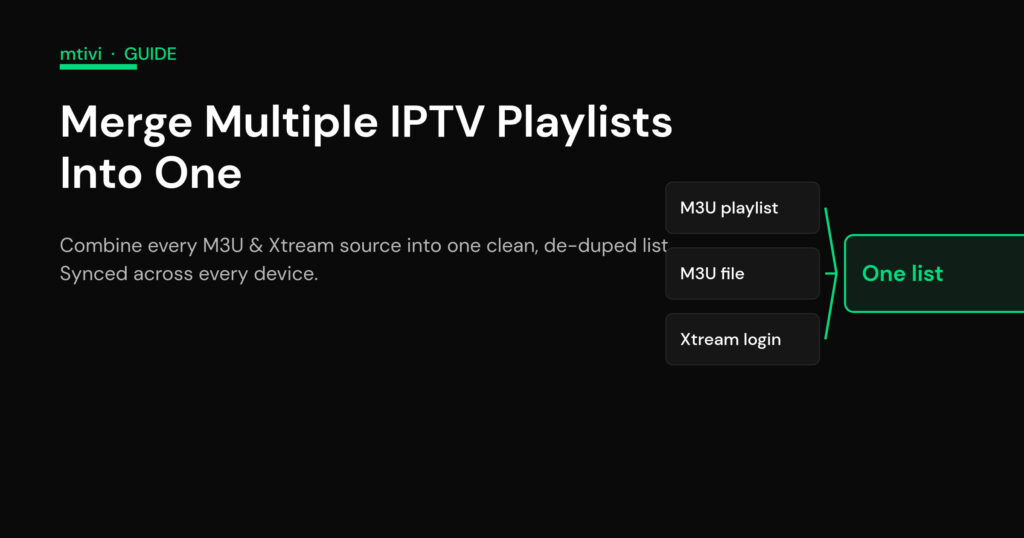
How to Merge Multiple IPTV Playlists Into One Clean List If you pay for two or three sources, flipping between separate playlists all evening gets old fast. The good news: you can merge multiple IPTV playlists into a single, unified list so every channel, movie and series sits in one place with one guide. There are two honest ways to

IPTV multi-view lets you watch up to 12 live channels at once on one screen. Get the connection and bandwidth math right, plus how to run it in mtivi cleanly.